Leading Your Family
Through the AI Age.
The future isn't about fearing AI — it's about mastering it safely. We've built this guide to help you transition from a 'gatekeeper' to a 'guide' in your child's digital journey.
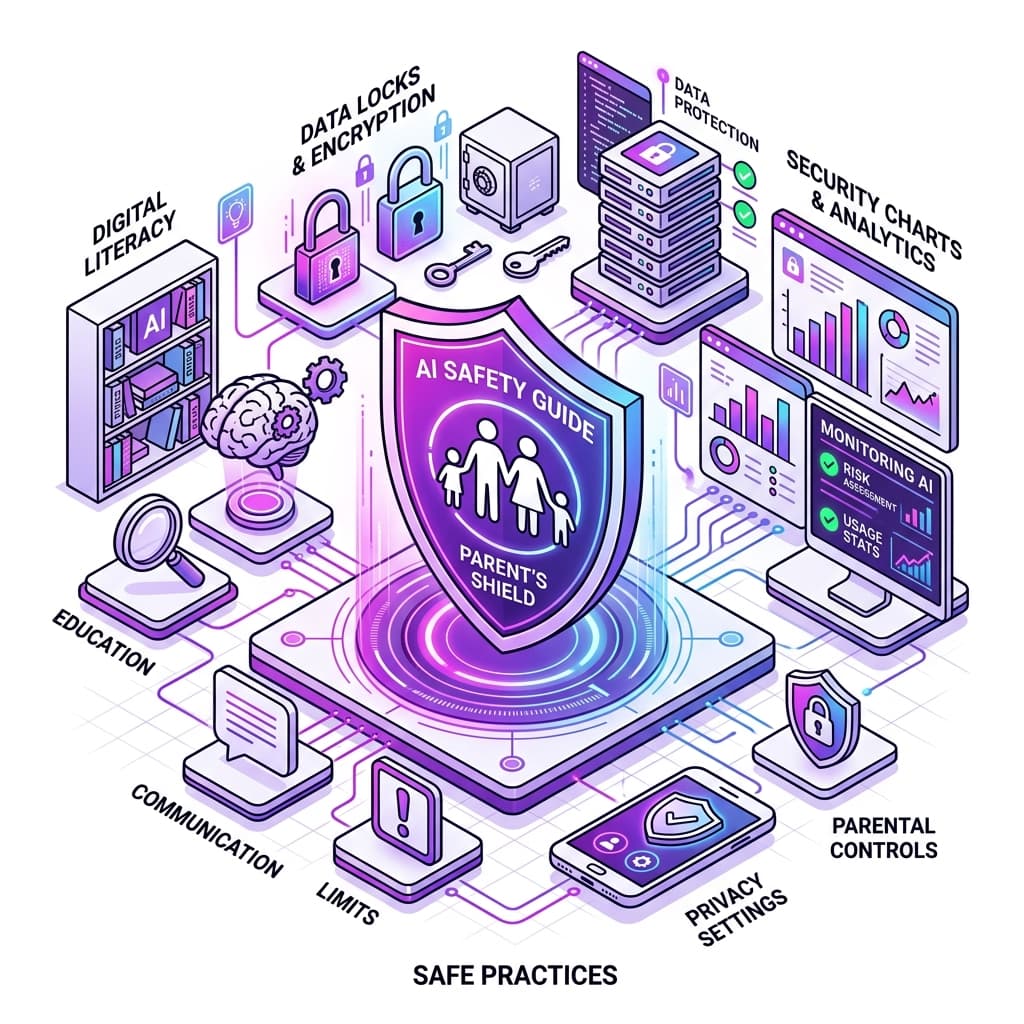
Our 4-Pillar Safety Framework.
At TinyCapes, we prioritize safety over features. Here's how we recommend families approach AI usage.
Personal Privacy
Never input real names, addresses, or phone numbers into AI prompts.
Critical Eye
Always cross-check AI facts with reliable sources like books or news.
Purposeful Use
Use AI to brainstorm and learn, not to skip the thinking process.
Transparency
Always be open about when and how AI was used in a project.
The AI Growth Roadmap.
Artificial Intelligence should be introduced gradually based on your child's cognitive development.
Creative Play & Curiosity
Focus on AI as a creative companion. Use tools together to generate bedtime stories or funny art.
KEY STRATEGIES:
- Use safe platforms
- Sit together
- Focus on visual creativity
Logic & Critical Thinking
Introduce how AI works. Start questioning the 'why' behind AI answers and spotting bias.
KEY STRATEGIES:
- Explain algorithms
- Fact-check together
- Build simple AI logic
Ethics & Professional Skills
Deep dive into prompt engineering, career paths, and the social impact of technology.
KEY STRATEGIES:
- Discuss ethics
- Master complex prompting
- Build real-world projects
From Consumers to Critical Creators.
Most children today are passive consumers of technology — they scroll, watch, and tap. In the AI era, being a "user" isn't enough. We help children understand the "gears" of AI so they can use it as a powerful tool for creation, problem-solving, and positive impact.
Cognitive Boost
AI acts as a personalized tutor and brainstorming partner.
Ethical Awareness
Learning to spot bias and misinformation early on.
The Family AI Contract
We recommend families sit down and agree on these 3 simple rules:
We use AI to help us think, not to do our thinking for us.
We always check the facts with a real human source.
We never share secrets or private data with the computer.
Common Questions.
Addressing the top concerns parents have about AI.
Is AI safe for my 7-year-old?
Yes, when used with curated, child-safe platforms like TinyCapes AI that have strict filters and don't require personal data.
Will AI make my child lazy or stop them from learning to write?
Not if the focus is on 'AI as a Co-Pilot'. We teach children to use AI for outlines, research, and brainstorming, while keeping the core creative work human-driven.
How much screen time should be allowed for AI activities?
We recommend 'Active AI Time' (creating, building, coding) be treated differently than 'Passive Time' (watching, scrolling). 30-45 minute creative sessions are ideal.
Do I need to be a tech expert to guide my child?
Not at all! Your role is to provide the values, ethics, and critical thinking. We'll handle the tech training.
Give your child the AI Advantage.
Book a free demo class today and see how we teach AI safety and ethics.